

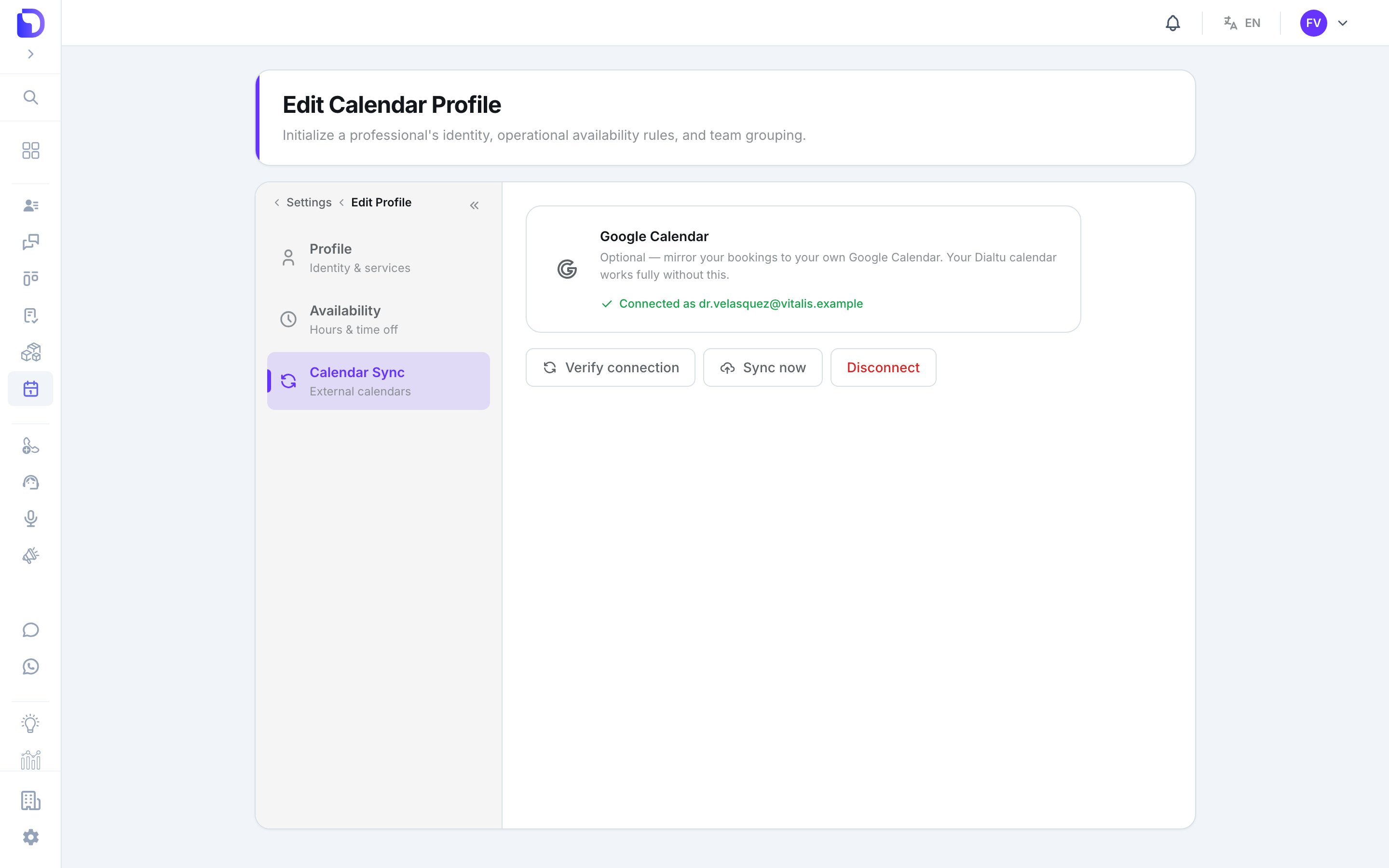
Google Calendar connected for a profile
Connect
Open Calendar Sync
The tab is only enabled on a saved profile that has a user — a profile with the No user badge can’t sync.
Connect Google Calendar
Press Connect Google Calendar, approve the Google consent screen, and you land back with Connected as .
Check
Verify connection re-checks the token. Sync now pushes upcoming appointments and reports appointments updated in Google. Sync now also appears on the agenda toolbar.
What syncs
Change a service’s colour and its upcoming Google events are re-coloured too.
Expired connection
When Google revokes the token, the agenda shows Google Calendar sync stopped and the profile tab reads Connection expired — reconnect to resume syncing. Press Reconnect Google Calendar. Bookings made meanwhile are not mirrored retroactively — use Sync now after reconnecting.Disconnect
Disconnect stops both directions. Events already in Google stay there.What doesn’t exist
- Importing Google events as appointments.
- Choosing a calendar other than the primary one.
- Outlook, iCloud, CalDAV or an ICS feed.
- An admin connecting on a professional’s behalf.
Next step
Waiting lists
When there’s no slot to offer.