


Six sub-tabs, and everything on this page belongs to you
Brand
Five things, all optional except the name.
Images: SVG, PNG, JPG or WebP, up to 2 MB. The favicon also accepts ICO. Wide formats work
best for the logo.
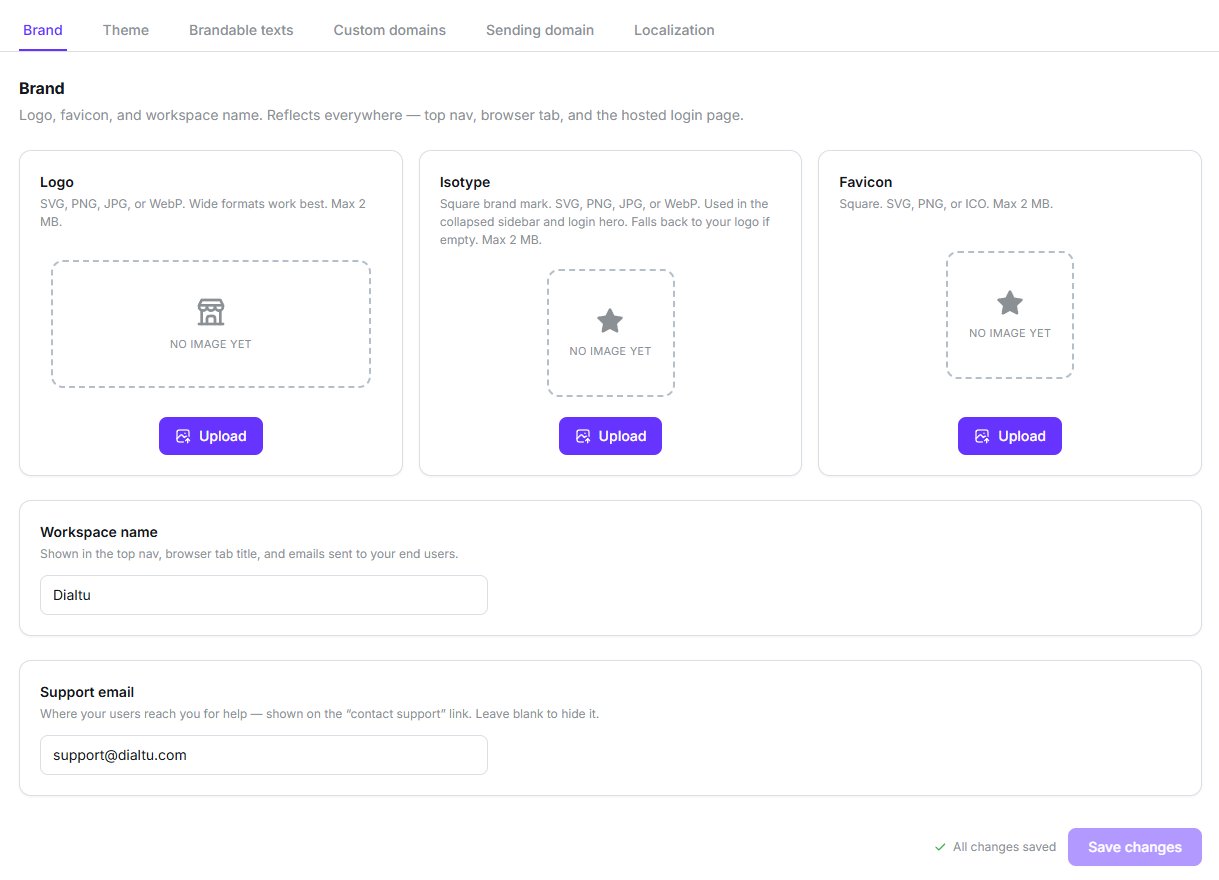
Three image slots, the workspace name, and your support address
The three slots above are empty, which is exactly how a new account arrives. Until you
upload something, your users see a generated letter tile rather than a mark of yours.
If you upload no favicon, your users get an automatically generated tile — the first letter
of your workspace name on your primary colour. They never see the Dialtu mark.
Theme
Three colours drive everything: Primary, Secondary and Accent. The rest of the palette — around forty variables in all — is derived automatically unless you turn that off.Generate palette from colour
Paste one hex value and get a full palette built around it.
Harmony presets
Complementary, analogous, triadic or tetradic.
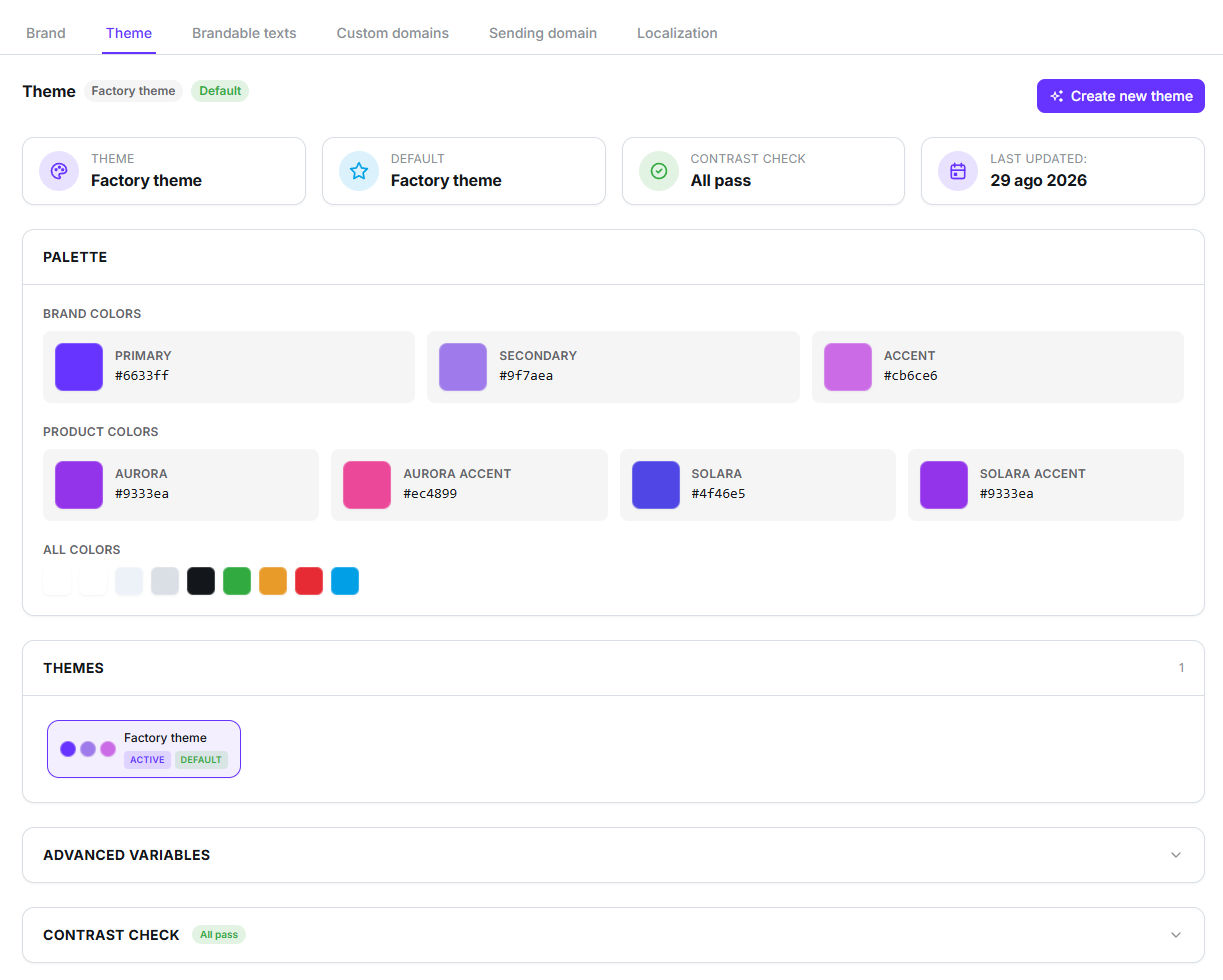
Brand colours up top, product colours below, saved themes underneath
Where your colours end up
Save the theme once and your primary and accent colours follow you everywhere — the
dashboard, the hosted login page, and your invitation emails. There’s no second place to
set them.
About the contrast check
The editor shows live WCAG AA pass/fail badges as you pick colours.There’s no separate dark-mode palette. One set of colours serves both modes.
Brandable texts
Override wording in the interface, per language. Use it for the vocabulary your industry expects — renaming things your clients call something else.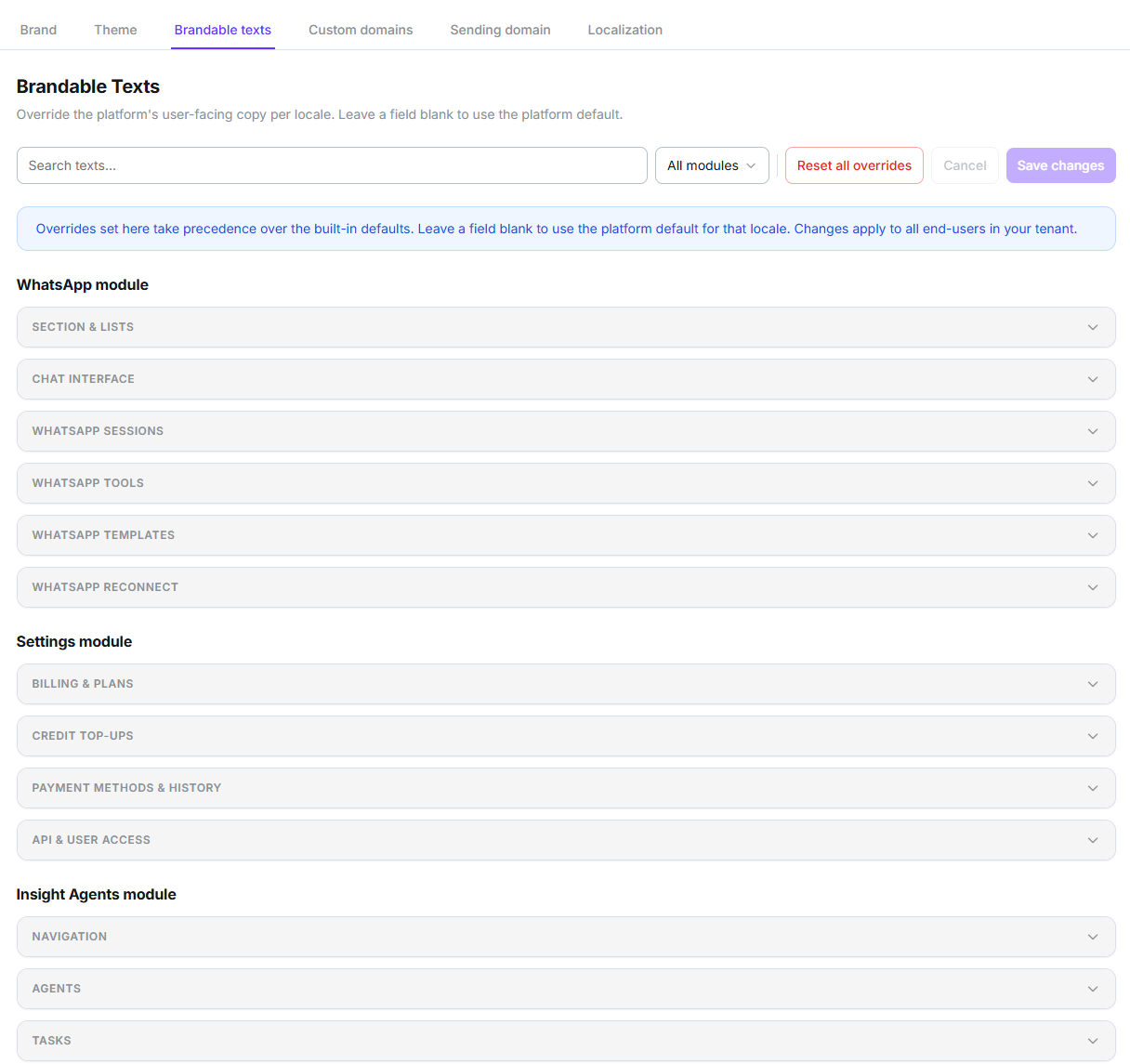
Grouped by module, searchable, with a reset for everything
Localization
The last sub-tab, and the only one a non-partner account also gets. Two settings:- Default timezone — pre-fills new clients, agents and campaigns. Anyone can still override it on an individual record.
- AI content language — the language used for AI-written content such as the Atlas executive summary and contact memory. Set it to Auto and each piece follows its own context: the reader’s interface language for a summary, the conversation’s language for memory.
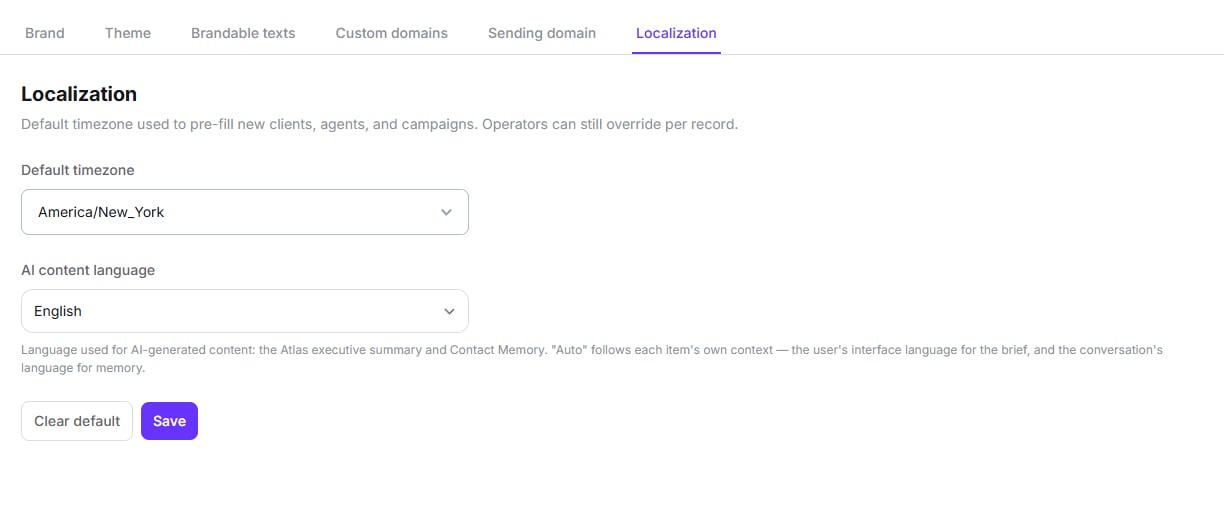
Timezone and AI content language
What you can’t change
The marketing copy on the login page
The marketing copy on the login page
The headline and strapline beside the sign-in form are fixed, brand-neutral English. They
don’t mention Dialtu, but you can’t edit them or translate them.
Your favicon on the login page
Your favicon on the login page
The favicon applies to the dashboard tab only. The hosted login page doesn’t currently
pick it up, even though the panel reads as though it does.
Your subdomain
Your subdomain
The
yourname.dialtu.com address is fixed at setup and can’t be renamed afterwards. If you
want a different address, attach a domain of your own.Branding per organization
Branding per organization
Your organizations all share your brand. There’s no per-client logo or palette — they sign
in through your login page, under your name.
Next step
Domains
Put the app on your own web address and send invitations from your own domain.